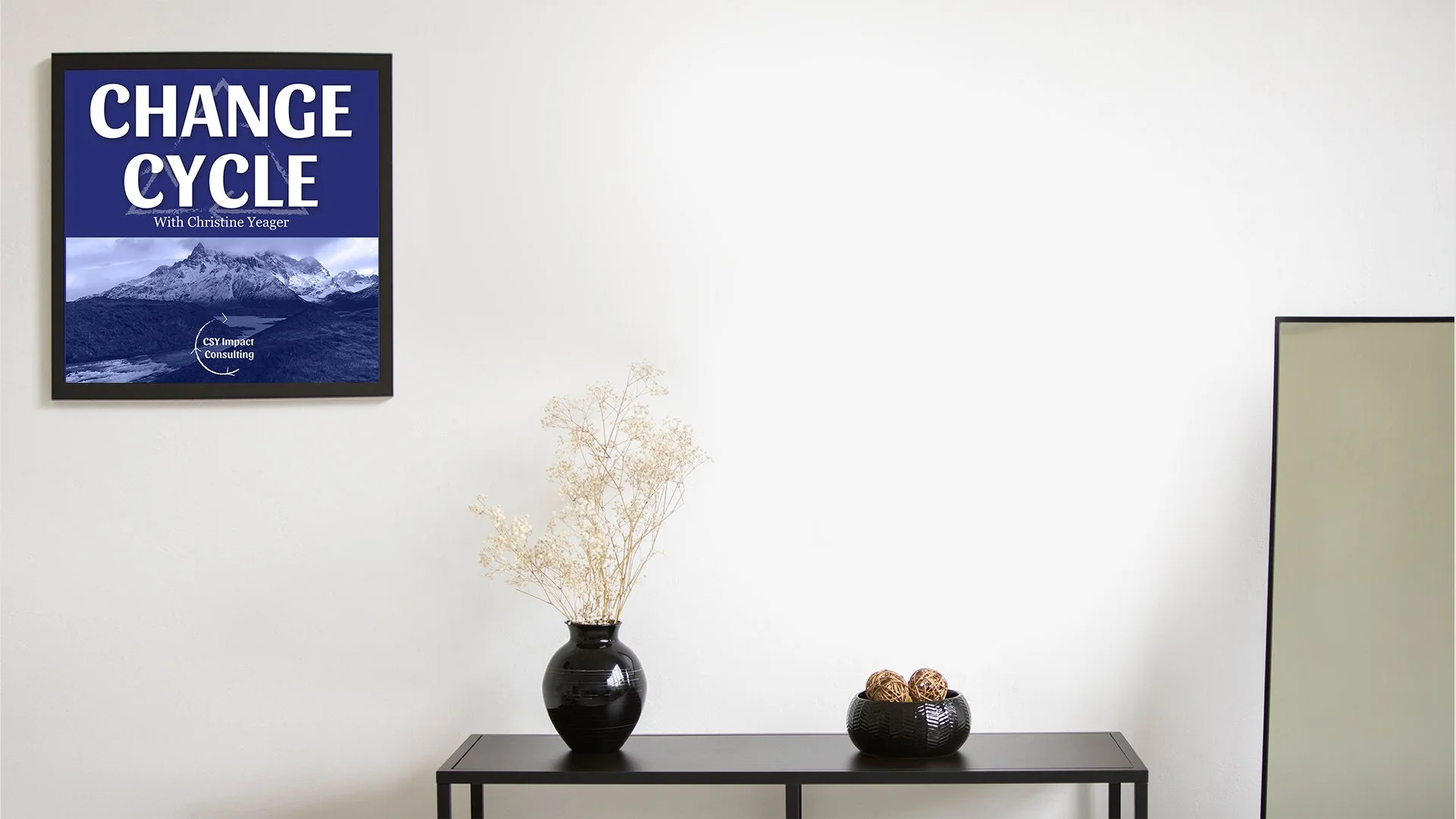
Download a background for your Change Cycle Podcast episode.
To download a background:
Pick a background option below
Right-click the image you want (Ctrl-click if on a Mac)
Select “Save image as” to your desktop or another folder of your choosing.
To change your background in Zoom:
Open up a new meeting
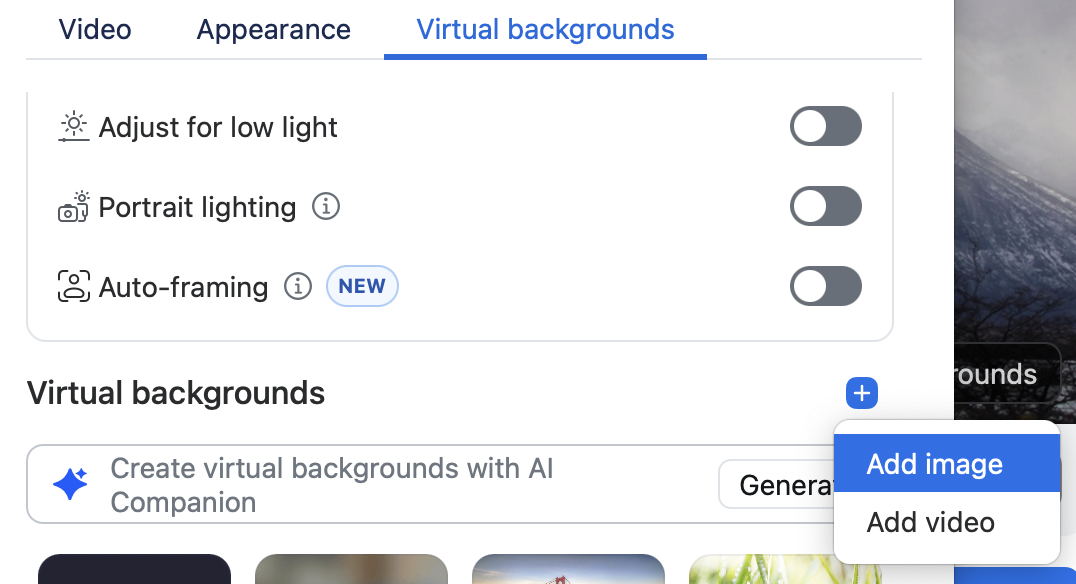
Click “Backgrounds”
Next to the text “Virtual Backgrounds,” click the plus button
Navigate to the image you saved on your computer and upload it.